DOS / 1994
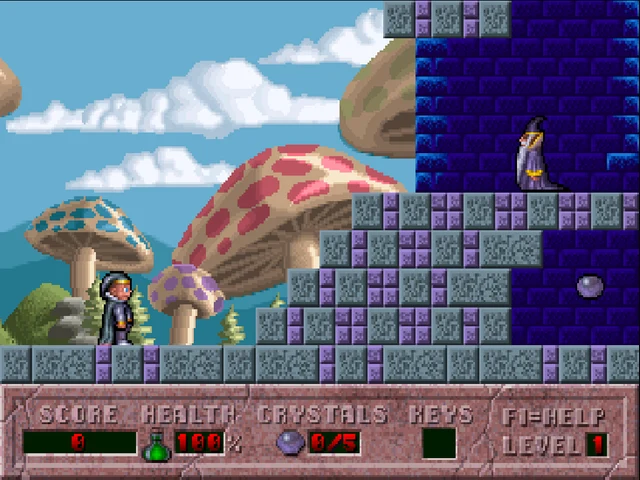
Hocus Pocus
A little wizard, bright levels, and a lot of lightning bolts.
Still waiting? Large games take longer on a slow connection. You can stop and try again. Open the player in its own tab.
Getting started
- Arrow keys move. Ctrl jumps. Alt fires.
- Enter selects; Escape opens the menu. Controls can be changed in the game.
Click inside the game to give it keyboard focus. Full screen gives you more room; Escape leaves full screen.
If Alt opens Vivaldi’s menu, turn off its Alt menu shortcut in Settings → Keyboard → Keyboard Shortcuts, or change the fire key in the game’s controls.
Before you settle in
These games were made for a keyboard and mouse. A laptop or desktop is the best way to play; the DOS player also has an on-screen keyboard.
Use the game’s own Save menu where available, then the player’s Save control to keep the disk changes in this browser. Stopping closes the emulator; unsaved progress is lost.
Moonlite Software / Apogee. Archived game and documentation.