Macintosh / 1993
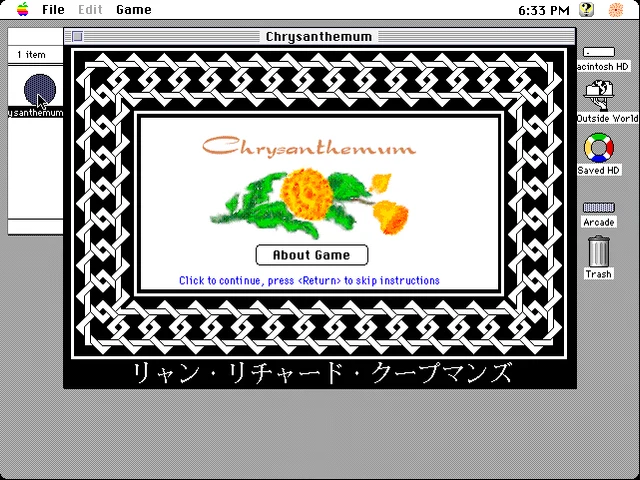
Chrysanthemum
A flower-arranging puzzle game. One of the names that brought the memories straight back.
Still waiting? Large games take longer on a slow connection. You can stop and try again. Open the player in its own tab.
Getting started
Open the Arcade disk, then the Chrysanthemum 1.01 folder, and double-click the application.
- Choose Play Game on the title screen. Choose Keys lets you check or change the controls; Instructions explains the flower puzzle.
- If the Mac asks for a colour mode, choose 256 colours in Control Panels → Monitors.
Click inside the game to give it keyboard focus. Full screen gives you more room; Escape leaves full screen.
Before you settle in
These games were made for a keyboard and mouse. A laptop or desktop is the best way to play; the DOS player also has an on-screen keyboard.
The game disk is a fresh copy each time. To keep a saved game, copy the game folder onto Saved HD first, then run that copy. Double-click the Saved HD name to open it. Browser storage can be cleared, so don’t treat it as your only copy.
Ryan Koopmans. Original MacSilverWare disc.